
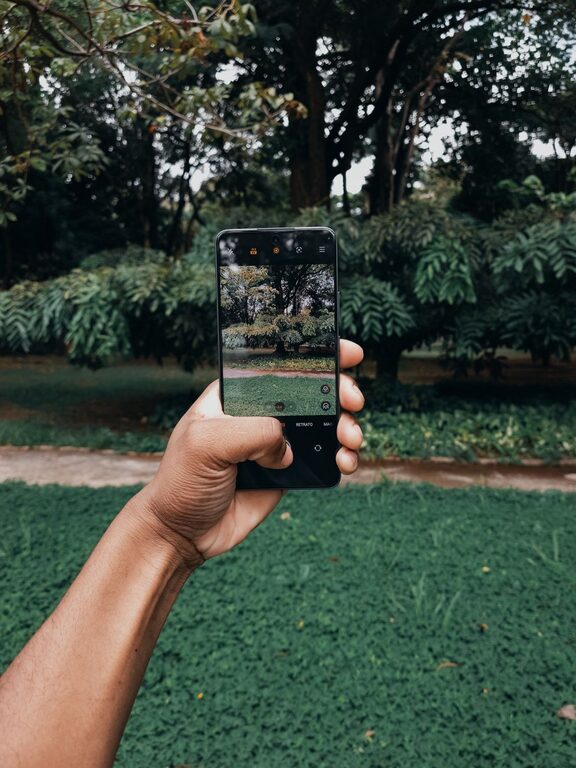
Beginner Tips for Taking Better Phone Photos
Taking great photos with your phone is easier than you might think. With the right techniques and a little practice, you can capture beautiful images that stand out. Whether you want to take memorable snapshots of your travels, everyday moments, or creative shots, these beginner tips will help you get better results with your phone camera.
Understand Your Phone Camera Basics
Before diving into advanced tips, it’s important to know what your phone camera can do.
– Explore the camera app: Spend time learning your phone’s camera settings. Most phones have modes like portrait, panorama, and night mode.
– Know your lenses: Some phones have multiple lenses for wide-angle, zoom, or macro shots. Experiment with each to understand their capabilities.
– Use gridlines: Turn on gridlines in settings to help with composition by following the “rule of thirds.”
Focus on Composition
Good composition makes your photos visually appealing.
Use the Rule of Thirds
Imagine your frame divided into a 3×3 grid. Place important elements along these lines or their intersections for balanced photos.
Keep It Simple
Avoid cluttered backgrounds that distract from your subject. A clean, simple background helps your subject stand out.
Look for Leading Lines
Paths, fences, or shadows can lead the viewer’s eye toward the main subject, making your photo more engaging.
Try Different Perspectives
Don’t just shoot from eye level. Get low, climb higher, or change angles to find interesting viewpoints.
Lighting Is Key
Lighting greatly affects the mood and quality of your photos.
Use Natural Light
Whenever possible, shoot in natural daylight. Early morning or late afternoon light (golden hours) gives a warm, soft glow.
Avoid Harsh Midday Sun
Bright, direct sunlight can cause harsh shadows and highlights. If shooting in midday sun, look for shade or use the phone’s exposure settings to balance light.
Experiment with Backlighting
Shooting with the light source behind your subject can create silhouettes or dramatic effects.
Turn On HDR Mode
HDR (High Dynamic Range) helps capture more detail in bright and dark areas by combining multiple exposures.
Master Focus and Exposure
Your phone’s camera usually focuses automatically, but you can take control.
– Tap to focus: Tap on your screen where you want the camera to focus, usually the main subject.
– Adjust exposure: After focusing, many phones let you slide your finger up or down to make the image brighter or darker.
– Lock focus and exposure: For tricky scenes, lock focus and exposure to keep settings constant while you recompose the shot.
Keep Your Lens Clean
A dirty lens can cause blurry or hazy photos.
– Gently wipe your phone’s camera lens with a microfiber cloth before shooting.
– Avoid touching the lens with your fingers.
Use Editing to Enhance Photos
Editing can bring out the best in your images without needing professional software.
– Use built-in photo editors or apps like Snapseed or Lightroom Mobile.
– Adjust brightness, contrast, and saturation to improve the look.
– Crop and straighten images to improve composition.
– Avoid over-editing; keep photos natural and true to the moment.
Practice and Experiment
The best way to improve is to take lots of photos and try new ideas.
– Challenge yourself to shoot different subjects: landscapes, portraits, food, animals.
– Try various camera modes and tools.
– Review your shots to learn what works and what doesn’t.
Additional Tips
– Use burst mode to capture fast-moving subjects and pick the best shot.
– Use a tripod or phone holder for stability, especially in low light.
– Avoid digital zoom as it reduces image quality; move closer instead.
– Explore external lenses and accessories if you want to expand your creative options.
Conclusion
Taking better phone photos is all about understanding your camera, paying attention to light and composition, and practicing regularly. With these beginner tips, you’ll be on your way to capturing sharper, more captivating images that you’ll be proud to share. Happy shooting!
